One take.
Every platform.
The dual recorder built for YouTube, TikTok and TV production. Shoot with the front or back camera — frame a true 16:9 wide master and pull a perfectly positioned 9:16 vertical from a single take — with cloud sync, 4K, flash, stabilization and an iPhone-style zoom dial.
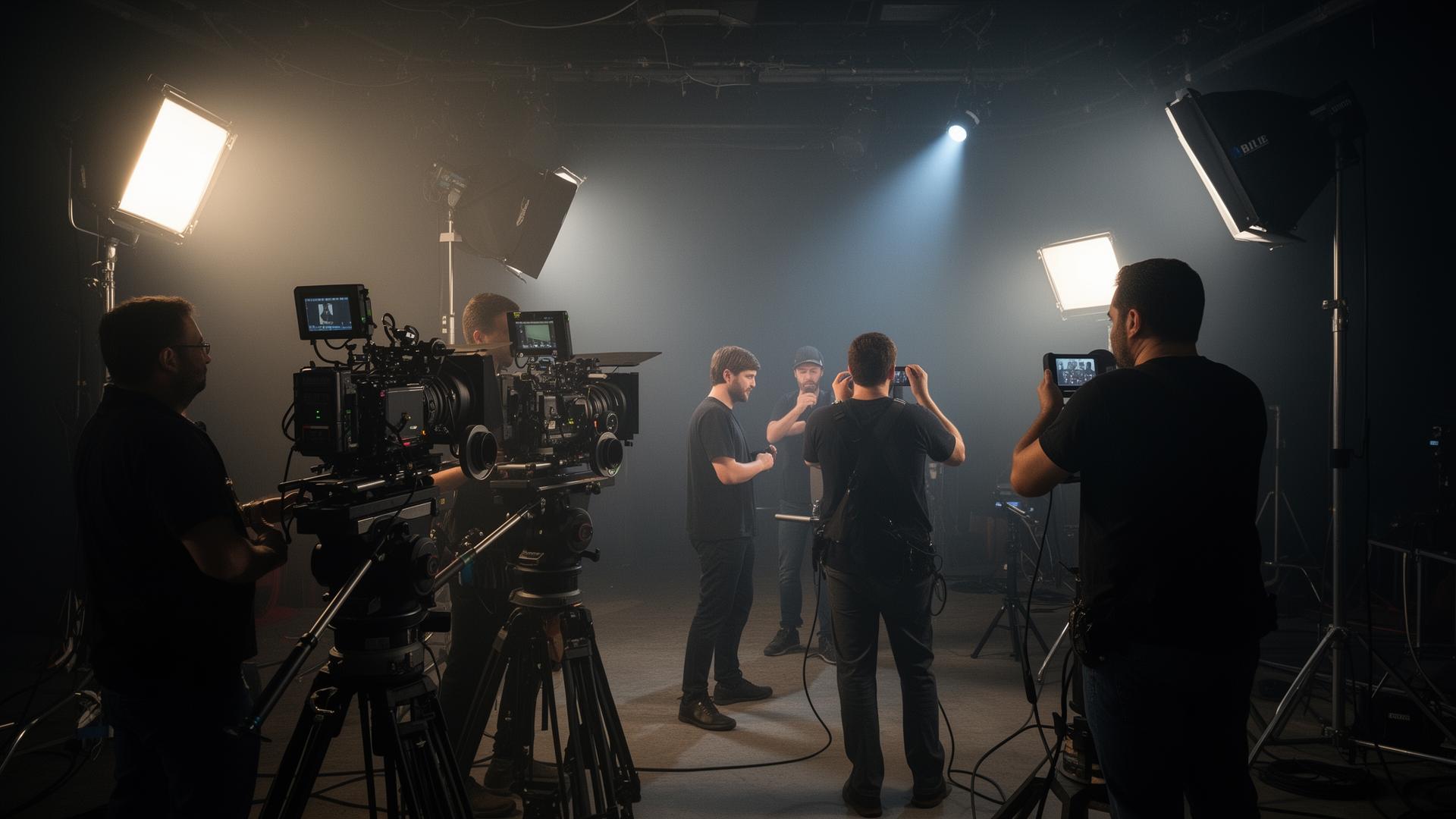
Same take. Two framings.
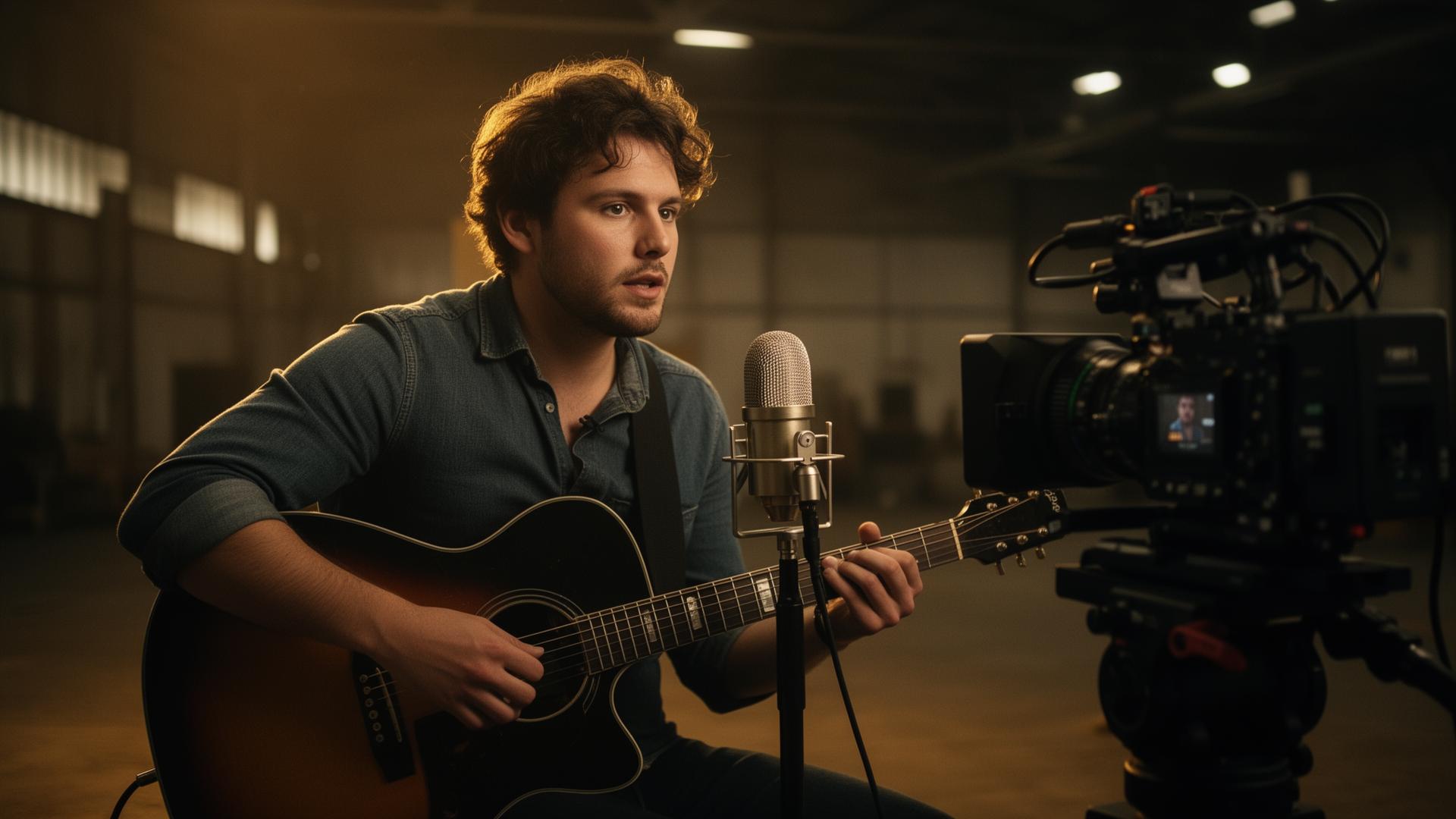
Every recording produces a wide 16:9 master and a 9:16 vertical you positioned yourself. Below: stills from real-world shoots covered by the recorder.
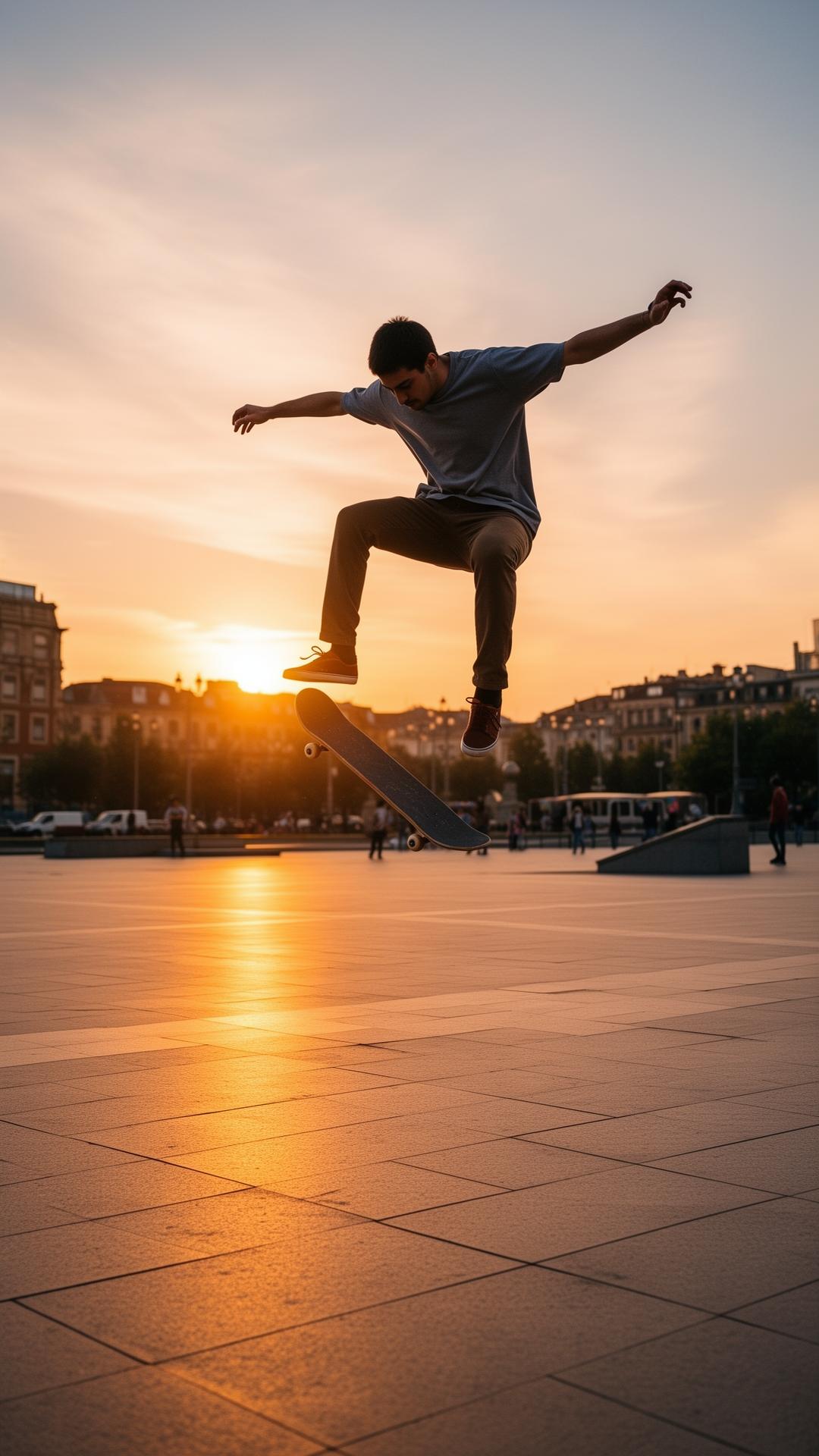
A pro recorder, redesigned for one-operator shoots.
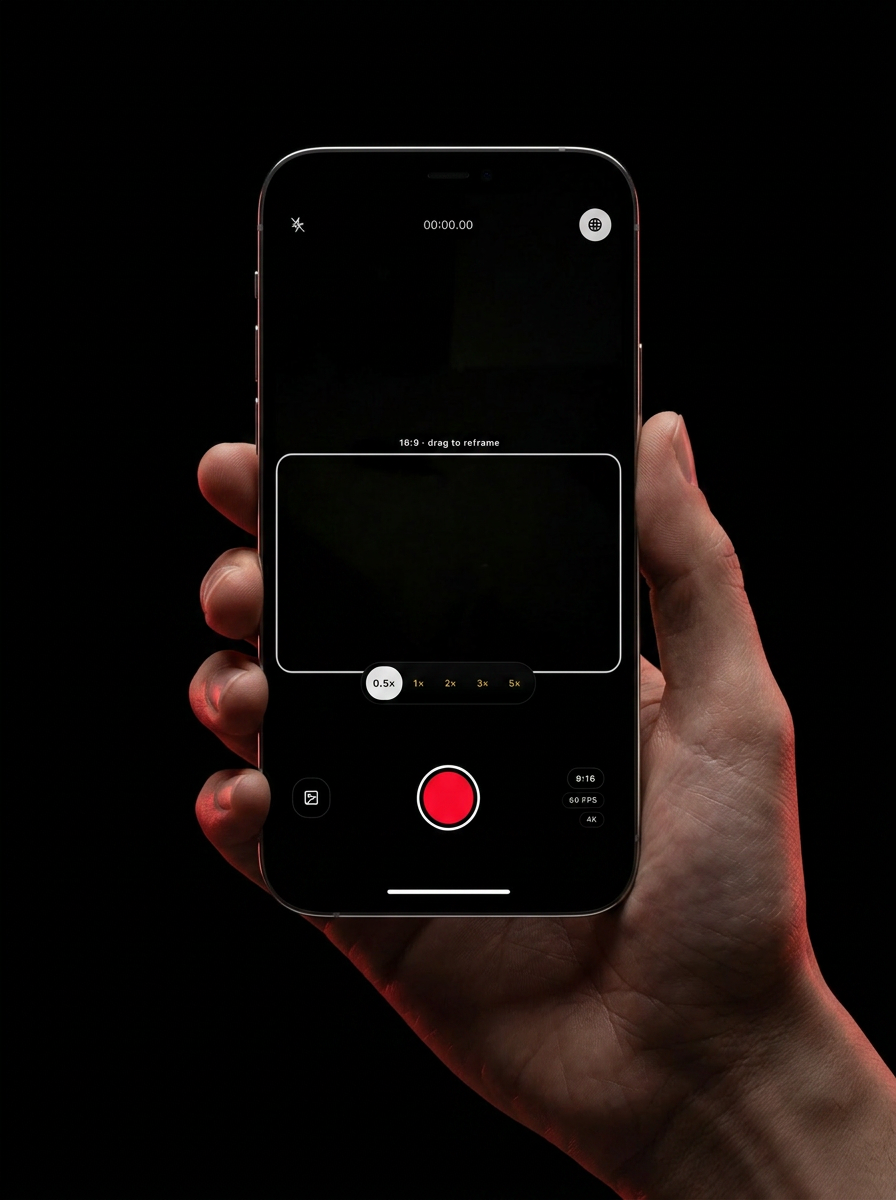
The wide master fills the entire viewfinder — no letterbox, no crop preview. Drag up or down on the stage to slide the 16:9 capture window anywhere in the frame.
Tap the flip button to swap between the rear pro camera for B-roll and interviews, or the front-facing camera for selfie vlogs, talking-head pieces and reactions. Both lenses capture the dual 16:9 + 9:16 take.
The fullscreen viewfinder IS the reframe surface. Drag anywhere to reposition the secondary 9:16 (or 16:9) framing guide live, while recording.
Shoot 24 fps for cinematic, 30 fps for broadcast-safe, or 60 fps for slow-mo and high-motion sports. Frame rate is locked in at the start of the take.
When 9:16 is primary, drag the 16:9 safe-zone up or down to nail the wide cut. Same one-take workflow, inverted.
Tap 1×, 2×, 3×, 5× presets or drag the zoom dial to scrub smoothly. Hardware zoom when available, digital when it's not.
Switch between 2K at 10 Mbps for fast turnarounds and 4K at 20 Mbps for broadcast-grade footage.
Back-camera torch and motion stabilization — toggle on or off from the collapsible settings panel.
Sign in once and every take syncs to your private cloud library. Open, preview and download from any device.
Sort by date, filter 2K/4K and format, search by name. Production libraries that scale.
Play any take in-browser before downloading. Save landscape or portrait to device or files.
Add One Take to your home screen — no App Store, full-screen, real app icon, works offline-ready.
Three steps. Zero second-camera op.
The fullscreen viewfinder is your reframe stage. Pick 16:9 (edge-to-edge wide) or 9:16 as primary, then drag anywhere to slide the secondary framing guide live.
Choose 24 / 30 / 60 fps and 2K or 4K. Hit record once — One Take writes a full wide 16:9 master and a perfectly framed vertical cut from the same take.
Takes upload to your cloud gallery instantly. Search, filter, preview, then download landscape or portrait for any platform.
Built by the network that needed it.
Outlaw TV Network is an independent production company shooting unscripted series, documentaries and digital-first shows. We built this dual recorder because our crews kept burning a second camera op just to get the vertical cut for socials.
Now one operator captures a full 16:9 broadcast master and a perfectly framed 9:16 social cut in a single take — with the same controls a pro expects: torch, stabilization, zoom, 2K/4K, and a cloud library their editor can pull from anywhere.
Whether you're a creator chasing a YouTube + TikTok release schedule or a TV crew shipping segments to multiple platforms, this is the tool we wish we had.
Install One Take to your home screen
Add the recorder as a real app on your phone in seconds — full-screen, app icon, no browser bars. Works on iPhone and Android.
Tap the Share icon → Add to Home Screen → Add.
Tap the ⋮ menu → Install app (or Add to Home screen).
Create your free account
Sign up with Google or email and every recording lands in your private cloud gallery — available on any device.